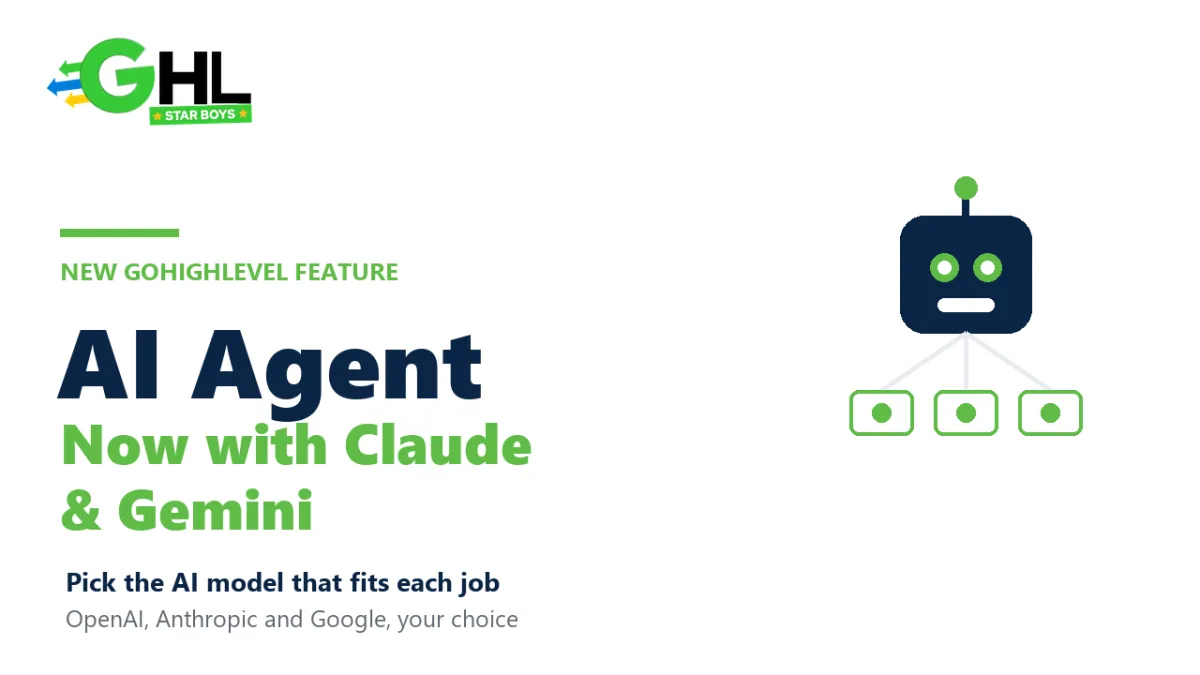
GoHighLevel AI Agent Now Runs Claude and Gemini
Can you choose which AI model powers GoHighLevel's AI Agent? Now yes. Alongside OpenAI's GPT models, GoHighLevel has added Anthropic's Claude and Google's Gemini as options for its AI Agent. Instead of being locked into a single engine, you can pick the model that best fits each job on cost, speed, and response quality.
This is a quiet but meaningful shift. For most of its AI history, GoHighLevel ran on one underlying model, and you took what you were given. Adding Claude and Gemini turns the AI Agent into something closer to a model-agnostic layer, where the brain behind your agent becomes a choice rather than a default. Here is what actually changed, why it matters, and how to decide which model to run.
What changed in the GoHighLevel AI Agent?
GoHighLevel added multiple external model providers to its AI Agent, so the agent action can now be powered by Anthropic Claude or Google Gemini in addition to OpenAI. According to the official HighLevel changelog, the AI Agent action now includes Claude models from Anthropic and Gemini models from Google alongside the existing OpenAI options. You choose the provider and the specific model when you configure the agent.
It is worth being precise about what this is. GoHighLevel has not become a Claude powered or Gemini powered platform. It has become a platform that lets you pick which model powers your AI features, and Claude and Gemini are now two of those choices.
Which AI models can you use in GoHighLevel now?
At the time of writing, the AI Agent supports three providers, each with a family of models. The exact list shown in your account can change as providers ship new versions, so treat the in app selector as the source of truth. Broadly, the choice looks like this.
| Provider | Generally known for | A good fit in GoHighLevel for |
|---|---|---|
| OpenAI (GPT) | Versatile, widely used all rounder | General conversations and broad tasks |
| Anthropic (Claude) | Careful reasoning and instruction following | Nuanced replies and detailed, rule based flows |
| Google (Gemini) | Fast, cost efficient lightweight options | High volume, speed sensitive interactions |
None of these is simply the best. They are trade offs, which is exactly why having the choice inside GoHighLevel is useful.
Why does model choice matter?
Different models are good at different things, and the right pick depends on the job you are giving the agent. A high volume booking bot that answers thousands of simple questions has very different needs from an agent handling delicate, high value conversations where a clumsy reply costs you a client.
The three levers you are really balancing are cost, speed, and quality. A lighter, cheaper model can be perfect for simple, repetitive interactions, while a stronger reasoning model earns its higher cost on conversations where accuracy and tone matter. Being able to match the model to the task, instead of paying premium rates for everything or accepting a weaker model everywhere, is the practical win here. It is the same principle we covered in our piece on GoHighLevel AI workflows: the tool is only as good as the thinking behind how you set it up.
How do you choose a model for your AI Agent?
The selection happens when you configure the agent, not in some separate global setting. In practice the flow is straightforward:
- Open your AI Agent setup where you configure the agent or the AI agent action.
- Pick the provider, choosing between OpenAI, Anthropic, and Google.
- Pick the specific model from that provider's available options.
- Test it against real messages before you rely on it, since the same prompt can read differently across models.
This pairs naturally with GoHighLevel's other recent AI moves, like the AI Browser Control extension that lets Ask AI operate your browser. Together they show a platform leaning hard into making AI do real work, not just answer questions.
Which model should you actually pick?
There is no universal answer, and the honest advice is to test rather than guess. As a starting point, reach for a fast, lower cost model on simple, high volume tasks, and a stronger reasoning model where a wrong or tone deaf reply has a real cost. Then compare them on your own conversations, because your prompts, your audience, and your use case matter more than any general ranking.
This is also where setup expertise pays off. Choosing a model is easy, but getting an agent to behave consistently across hundreds of real conversations takes tuning. If that is not where you want to spend your time, a GoHighLevel expert can configure and test it for you, and our guide on what a GoHighLevel expert costs gives a realistic sense of the investment.
Frequently asked questions
Does GoHighLevel support Claude and Gemini now?
Yes. GoHighLevel's AI Agent now lets you select Anthropic's Claude and Google's Gemini models in addition to OpenAI. You choose the provider and the specific model when configuring the agent, so you are no longer limited to a single underlying engine.
Is GoHighLevel powered by Claude?
No. GoHighLevel is not a Claude powered platform. It lets you choose which AI model powers your AI features, and Claude is one of several options alongside OpenAI's GPT models and Google's Gemini models.
Which AI model is best for a GoHighLevel agent?
It depends on the task. A fast, lower cost model suits simple, high volume interactions, while a stronger reasoning model is worth the extra cost on nuanced, high value conversations. The best approach is to test the options on your own real messages rather than assuming one is best.
Where do I change the AI model in GoHighLevel?
You select the model where you configure the AI Agent, by choosing a provider such as OpenAI, Anthropic, or Google, then picking a specific model from that provider. The in app selector shows the current list, which can change as providers release new models.
The bottom line
Adding Claude and Gemini to the GoHighLevel AI Agent is a small change with a big implication. Your AI is now a choice, not a default, and that lets you balance cost, speed, and quality per task instead of settling for one compromise everywhere. The teams that benefit most will be the ones who actually test the options and match the model to the job, rather than flipping a setting and hoping. Pick deliberately, test on real conversations, and let the results decide.
Want your GoHighLevel AI Agent set up to actually convert?
The GHL Star Boys team configures and tests AI agents on the right model for the job, so they perform in real conversations. Book a free growth call to get started.