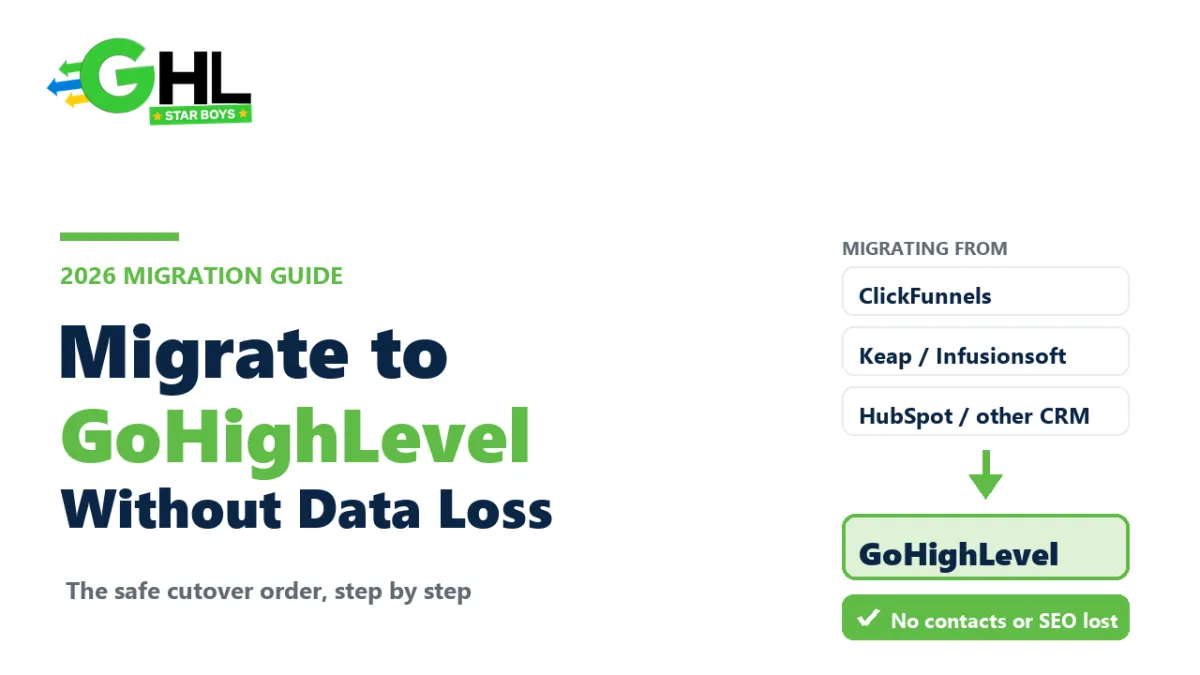
How to Migrate to GoHighLevel Without Losing Data (2026)
Migrating to GoHighLevel is rarely the hard part. The hard part is doing it without dropping a contact, breaking a live automation, or waking up to a funnel that ranked on Google yesterday and returns a 404 today. The platform move is simple. The cutover is where people get hurt.
This is the safe way to do it, in the order that actually protects your data and your revenue. Whether you are coming from ClickFunnels, Keap, ActiveCampaign or a patchwork of separate tools, the sequence below is the same one a careful migration follows every time.
Can you migrate to GoHighLevel from another platform?
Yes. You can migrate to GoHighLevel from almost any CRM, funnel builder or email platform, and most of your assets move across. Contacts, tags and custom fields import cleanly by file. Funnels, automations, calendars and courses are rebuilt inside GoHighLevel rather than copied byte for byte. The work is in rebuilding well and cutting over in the right order, not in whether it is possible.
What actually needs to move
Before you touch anything, take an inventory. Most botched migrations are not a skill problem, they are a memory problem: someone forgot a live automation or a phone number until it was already broken. Here is the full list of what typically has to move, and how each piece travels.
| What you are moving | How it moves | Watch out for |
|---|---|---|
| Contacts, tags, custom fields | Export to CSV, import into GoHighLevel, map fields | Create the custom fields in GoHighLevel first, or the data lands nowhere |
| Funnels, websites, landing pages | Rebuilt in GoHighLevel (or from a snapshot) | Keep the same URL slugs so your SEO and ad links survive |
| Email and SMS templates | Copied over and rebuilt | Deliverability resets on a new domain, so plan a warm-up |
| Automations and workflows | Rebuilt, not imported | This is the riskiest piece; rebuild deliberately, do not clone blindly |
| Calendars, forms, surveys, pipelines | Recreated in GoHighLevel | Match pipeline stages before importing opportunities |
| Courses and memberships | Rebuilt, content and members re-added | Re-grant member access carefully so nobody is locked out |
| Domains, DNS, phone numbers | Repointed or ported to GoHighLevel | A2P registration and number porting take days, so start early |
| Integrations, webhooks, API links | Reconnected one by one | Every external tool that talked to the old platform needs re-wiring |
The migration in the right order
Order is everything. Do these steps out of sequence and you will either lose data or take your marketing offline during the switch. Follow them in order and the old system keeps running until the new one is proven.
- Audit and export everything first. Before you change a single setting, export every contact list, every template, and a written list of every live automation and integration. Exports are your safety net. You cannot lose what you already have a copy of.
- Clean and map your data. A migration is the best chance you will ever get to delete dead contacts and fix messy tags. Map old fields to new ones on paper before you import anything.
- Build the GoHighLevel foundation. Set up the sub-account, business profile, domains and, crucially, start A2P phone registration on day one. It is the slowest approval in the whole process and everything texting-related waits on it.
- Import contacts. Create your custom fields first, then import the cleaned CSV and confirm the tags and fields landed where you expect on a sample of records.
- Rebuild funnels and sites. Recreate your pages, keeping the same URL slugs wherever they were indexed or used in ads. A snapshot can skip most of this if you are starting from a proven build.
- Rebuild automations deliberately. Do not recreate every old workflow out of habit. Migrate the ones that earn, and improve them while you are in there. This is the step where an experienced pair of hands saves you weeks.
- Recreate calendars, forms and pipelines. Match your pipeline stages to the old ones before importing opportunities so nothing lands in the wrong column.
- Migrate courses and memberships. Rebuild the content, then re-grant access so existing members are not locked out on cutover day.
- Reconnect integrations and webhooks. Work through your list from step one and re-wire every external tool, testing each as you go.
- Run both systems in parallel and test. Keep the old platform live while you fire real test contacts through the new one end to end. Only trust what you have watched work.
- Cut over DNS and phone, then monitor. Repoint domains and move numbers only once the new build is proven, then watch closely for a week before you switch the old system off.
What usually breaks, and how to avoid it
Almost every painful migration story traces back to one of these five, and every one of them is avoidable.
Phone and A2P delays. A2P 10DLC registration for texting can take several days and is not something you can rush at the end. Start it the day you open the account, not the day you cut over.
Email deliverability resets. A brand new sending domain has no reputation. Set up SPF, DKIM and DMARC correctly and warm the domain gradually, or your first big send lands in spam and teaches inboxes to distrust you.
Broken automation timing. Rebuilt workflows can double-send or fire on the wrong trigger if you clone them without thinking. Test each one with a real contact before it touches your list.
Lost history. Note history, past email stats and old conversations often do not travel. Export what you need for records before you leave, because you will not get it back later.
SEO and link rot. If your old funnel pages ranked or ran in ads, changing the URL slugs quietly kills that traffic. Keep the slugs identical, or set 301 redirects, so the equity you built follows you across. This is the single most common way a switch that looked clean costs you money for months.
Migrating from specific platforms
The sequence above is universal, but each platform you might be leaving has its own quirks worth knowing before you start.
ClickFunnels to GoHighLevel
The most common move by far. ClickFunnels is a funnel builder, so you are mainly rebuilding pages and, importantly, gaining a real CRM, email, SMS and calendar in the process. Export your contacts, rebuild the funnels keeping the same slugs, and remember that order bumps, upsells and membership areas all need recreating. Most people leaving ClickFunnels are also consolidating two or three other subscriptions at the same time, which is where the savings come from. We break the two down side by side in GoHighLevel versus ClickFunnels.
Keap or Infusionsoft to GoHighLevel
Keap is automation-heavy, so the risk here is the workflows, not the contacts. Export your contact data cleanly, then treat the automation rebuild as a redesign rather than a copy, because Keap sequences and GoHighLevel workflows are structured differently. Tags and custom fields map across well if you plan them first. Take the chance to prune sequences you no longer use rather than faithfully rebuilding dead automations.
ActiveCampaign or Mailchimp to GoHighLevel
These are email-first tools, so the migration is mostly lists, tags and automations, with deliverability the thing to protect. Export your audience, rebuild your key automations, and give real attention to warming your new sending domain and setting up SPF, DKIM and DMARC. Moving a large, engaged email list onto a cold domain and blasting it on day one is the fastest way to land in spam.
HubSpot or another full CRM to GoHighLevel
A full CRM move is the most involved because there is the most to carry: contacts, companies, deals or opportunities, pipelines, and often integrations feeding data in from other systems. Match your pipeline stages before importing opportunities, export any reporting history you need to keep, and map every integration and webhook before you cut over. This is the scenario where doing it in parallel, and getting help, pays off the most.
Should you migrate yourself or hire someone?
If you are moving one simple business with a handful of contacts and a single funnel, do it yourself. The steps above are enough, and you will learn the platform in the process. It is worth doing once by hand, the same way it is worth understanding what GoHighLevel actually costs before you commit to it.
Where done-for-you earns its fee is complexity: dozens of live automations, active ad campaigns you cannot take offline, courses with paying members, A2P and porting, or several client accounts at once. That is where a rushed DIY migration turns into lost revenue, and where an experienced team moves everything in parallel without your marketing ever going dark. It is a big part of what a GoHighLevel expert does, and exactly the kind of work our fulfillment team handles. GHLStarboys has migrated and built inside GoHighLevel for 1,200+ agencies with 350+ vetted experts, so the cutover that keeps a founder up for a week is a routine day for us.
Questions people actually ask
Can I move my contacts to GoHighLevel?
Yes. Export your contacts from your current platform to a CSV, create the matching custom fields in GoHighLevel first, then import and map the columns. Tags and custom fields come across cleanly when you set them up beforehand. Always confirm a sample of records after importing to make sure the data landed where you expect.
How long does a GoHighLevel migration take?
A simple single-funnel business can move in a few days. A complex agency setup with many automations, courses, A2P registration and live campaigns usually takes two to four weeks done properly. The slowest fixed step is A2P phone registration, which is why you start it on day one rather than at cutover.
Will I lose my funnels and automations when I switch?
Not if you rebuild before you cut over. Funnels and automations are recreated inside GoHighLevel rather than imported file for file, so nothing is lost as long as you build and test the new versions while the old platform is still running. Never switch off the old system until the new one is proven.
Can I migrate from ClickFunnels to GoHighLevel?
Yes, and it is one of the most common moves. Your contacts import by CSV and your funnels are rebuilt in GoHighLevel, ideally keeping the same URL slugs so links and SEO survive. Because GoHighLevel also replaces your email, SMS, CRM and calendar tools, most people consolidate several subscriptions at once. We compare the two directly in GoHighLevel versus ClickFunnels.
Do I lose my SEO when moving funnels to GoHighLevel?
Only if you change the URLs. Search rankings are tied to specific page addresses, so if a rebuilt page uses a new slug, its ranking resets. Keep the exact same slugs, or set 301 redirects from the old URLs to the new ones, and the SEO equity you built follows you across intact.
Should I migrate myself or hire someone?
Do it yourself if the setup is simple and you have time to learn. Hire a team when you have many automations, live campaigns you cannot pause, courses with members, or several accounts, because that is where mistakes cost real money. If you are still deciding whether the platform is right at all, start with is GoHighLevel worth it.